Client portal
What this is
Client portal is the read-only reporting area for client users. It shows the paid acquisition report, including KPI cards, drill-ins, tables, and ad details, for the client tied to the signed-in account. Client users cannot switch the report to another client or edit saved views here.
Common questions
Why did I land in the admin area instead of the portal?
Admin-tier users are sent to the admin area. The portal is for client users.
Can I view another client’s data?
No. The portal is locked to the client connected to your account, even if a different client is entered in the page address.
Does the portal have the same report as the main reporting area?
Yes. It has the paid acquisition report’s KPI cards, drill-ins, tables, and ad detail views, with client-scope and saved-view editing controls removed.
Can I request an ad be linked?
Yes. Client users can submit a request to link an ad for an admin to review.
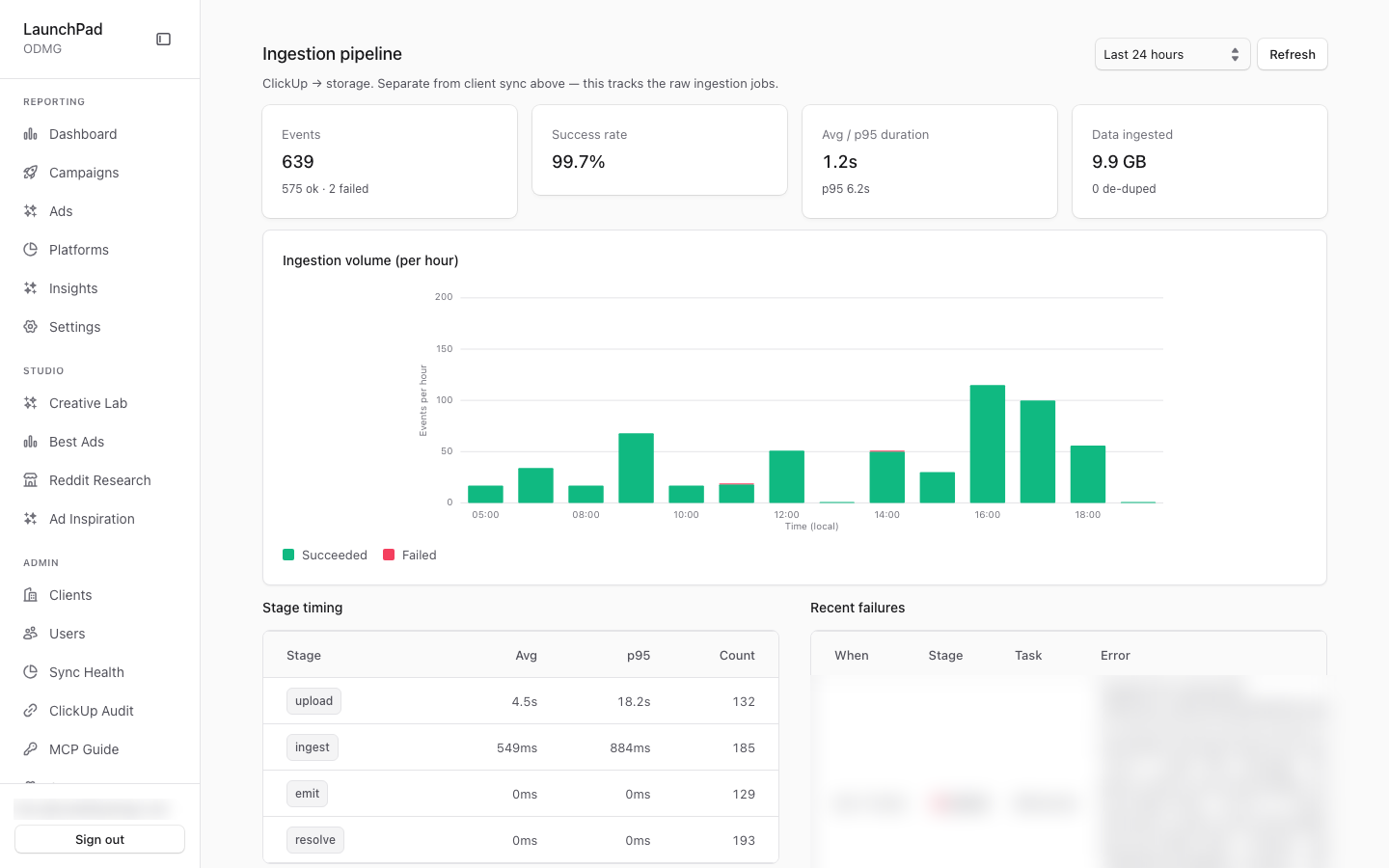
Why does the screenshot show an admin page?
The screenshot was taken while signed in as an admin user, so the app redirected away from the portal. It does not show the client-user portal view.
How to use it
- Sign in with your client user account.
- Open the portal and use the report’s date range and available report controls.
- Drill into the KPI cards, tables, or ad details to investigate performance.
- Submit an ad-linking request when you need an ad connected to the report.
Screenshot
For developers — routes, guards, and internals
- Route:
/portal - Guard: any authenticated user; admin-tier roles (super_admin / admin / account_manager, per
isAdminTier) are bounced to/admin(src/app/portal/layout.tsx). No session →/login?callbackUrl=/portal.
The client-facing read-only reporting surface. The screenshot shows the
bounce, not the portal: the capture session was super_admin, so visiting
/portal redirected through /admin and landed on the Paid Acquisition Report —
which is itself the documented behavior for admin-tier users. A true portal
capture requires a client_user session (none was available read-only).
Features
- Admin-tier bounce. The Node-runtime layout guard (the primary gate —
the proxy does no role check) redirects any
isAdminTierrole to/admin; admins manage from the admin surface, clients read from the portal. This is what the screenshot demonstrates. - Server-side tenant lock — the tenancy showcase. Scope is derived from
the session via
resolveQueryScope()(src/lib/auth-scope.ts): aclient_useris locked to their ownclientSlugand any?client=query hint is ignored server-side, so this surface can never read another client's data. This is the fail-closed multi-tenant isolation rule from contributor guide made visible. - Same report, portal mode. The page renders the exact same
MarketingReportcomponent as/marketingwithmode="portal"— clients get the full Paid Acquisition Report feature set (KPI cards, drill-in views, tables, drawers) with no duplicated code path. - What portal mode removes. The super-admin client scope bar (a client
user has exactly one scope) and saved-view editing controls are hidden;
everything else behaves as on
/marketing. - Shared chrome. Uses the same
AdminSidebarShell; the sidebar is permission-driven (nav.ts), so a client user naturally sees only the entries their permissions grant — no bespoke portal header exists. - Ad-binding requests. The portal is also the origin of ad-binding
requests: client users can raise "link this ad" requests through
/api/portal/ad-binding-requests, which land in the admin approval queue at/admin/clickup-audit?tab=requests(the former/admin/ad-binding-requestsroute). - Capturing a real portal view. To screenshot the actual client
experience, create a client_user on a tenant
(
/admin/clients/[slug]?tab=users), sign in as them (or mint a magic link targeting that user), and visit/portal— an admin session can never see it because of the bounce.
Key files
| Kind | Path |
|---|---|
| Layout guard | src/app/portal/layout.tsx |
| Page | src/app/portal/page.tsx |
| Report component | src/components/marketing/MarketingReport.tsx (mode="portal") |
| Tenancy chokepoint | src/lib/auth-scope.ts (resolveQueryScope) |
| Role gate | src/lib/rbac.ts (isAdminTier) |
| API | Same /api/marketing/* routes as /marketing, scope-locked server-side; /api/portal/ad-binding-requests |
| Nav | src/lib/nav.ts (permission-driven sidebar; client users see only granted entries) |
| Shell | src/components/admin/AdminSidebarShell.tsx |