App landing page
What this is
The app landing page is a routing page, not a dashboard. Open the main app address and it sends you to the right destination based on whether you are signed in and what role you have. There is no content to manage on this page itself.
Common questions
Where do I go after signing in?
Super administrators go to the admin area. Other signed-in users go to the client portal.
Where do I go if I am not signed in?
When automatic sign-in is not configured, the app sends you to the marketing page.
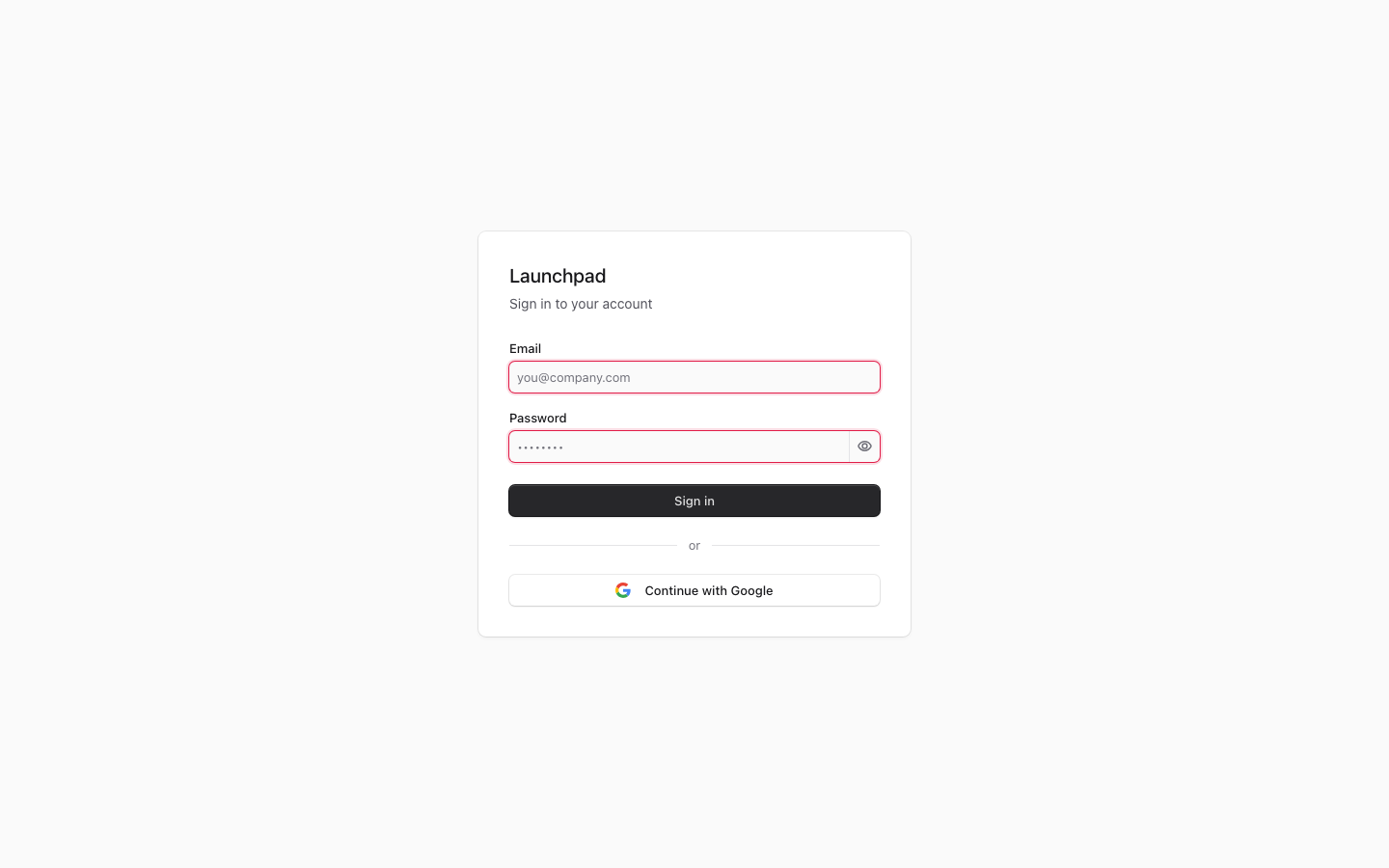
Why does the screenshot show a sign-in form?
The screenshot records one captured authentication state; it does not establish the current deployment configuration. The root route itself renders no screen.
Can I choose a different destination from this page?
No. The landing page chooses the destination from your sign-in state and role.
How to use it
- Open the main app address.
- Sign in if prompted.
- Continue from the page the app opens for your role.
Screenshot
For developers — routes, guards, and internals
- Route:
/ - Guard: none at the route itself (it only redirects).
src/proxy.ts(Next.js 16's renamedmiddleware.ts) treats/per thePUBLIC_PREFIXESallow-list; the redirect targets carry their own guards.
Capture note: the screenshot shows the sign-in form, not content rendered by
/. The root route is redirect-only, and its destination depends on the session and deployment configuration at request time.
Features
Role-based landing redirect. src/app/page.tsx checks the session and redirects: super_admin → /admin (which itself forwards to /marketing), any other authenticated role → /portal. There is no content on / — it is purely a router.
Unauthenticated default → /marketing. With no session and no auto-login configured, the root redirects to /marketing, the public demo/reporting surface. This is the documented "unauth → marketing" behavior.
Opt-in auto-login (AUTO_LOGIN_EMAIL/AUTO_LOGIN_PASSWORD). When both env vars are set and there is no session, / forwards to /api/auto-login (src/app/api/auto-login/route.ts), a Route Handler (only handlers can set the session cookie) that signs in via the normal NextAuth credentials provider against a real bcrypt-verified users row, then lands on /admin. It is not a backdoor — clearing the two env vars disables it entirely.
Auto-login failure fallback. If the credentials fail (bad password, disabled row), the handler swallows the error and 302s to /marketing — but the failed signIn attempt has already cleared any session cookie in flight.
Runtime verification boundary. Source review establishes the redirect branches, but not whether auto-login is enabled or whether its deployment credentials are healthy. Check the authorized deployment configuration and run an authenticated browser smoke test before making a current production claim.
Data flow
src/proxy.ts(the Next.js 16 replacement formiddleware.ts, Node runtime) is the first gate:/and its redirect targets pass through thePUBLIC_PREFIXESallow-list insrc/lib/public-paths.ts(segment-scoped matching — never barestartsWith).src/app/page.tsxrunsauth()(NextAuth v5, session shape{ userId, role, clientSlug }fromsrc/lib/auth.ts) and branches purely onsession.user.role./api/auto-loginmust be a Route Handler becausesignInsets the session cookie by throwing a Next.js redirect "error" that carries Set-Cookie + Location; the handler re-throws it deliberately (isRedirectErrorcheck, verified in the source).- The
homePath()helper in the handler duplicates the role branch:super_admin→/admin, everything else →/portal.
Relationship to other pages
/adminitself is also only a redirect (→/marketing); a super_admin's real landing surface is the Paid Acquisition Report.- Non-admin roles land on
/portal(P17), which conversely bounces admin-tier users back to/admin. - Unauthenticated visitors' true destination
/marketingis P2.
Key files
| Kind | Path |
|---|---|
| Route | src/app/page.tsx |
| API | src/app/api/auto-login/route.ts |
| Auth config | src/lib/auth.ts, src/lib/auth.config.ts |
| Auth gate | src/proxy.ts, src/lib/public-paths.ts |
| Env | src/lib/env.ts (AUTO_LOGIN_EMAIL, AUTO_LOGIN_PASSWORD) |